Managing business expenses with digital wallets works best when you use a business-only payment method, set clear employee spending rules, and save each receipt with a note about its business purpose. Match wallet purchases to your records without counting them twice, and review your available cash alongside upcoming bills so convenient payments do not hide a shortage.
This article applies the IRS’s guidance on separating business finances, keeping expense records and reconciling accounts to a practical wallet workflow. It also covers protecting payment access, checking the terms for money stored in an app, and deciding what to do when your records are clear but cash is still short.
Start with a business payment method, not just a wallet
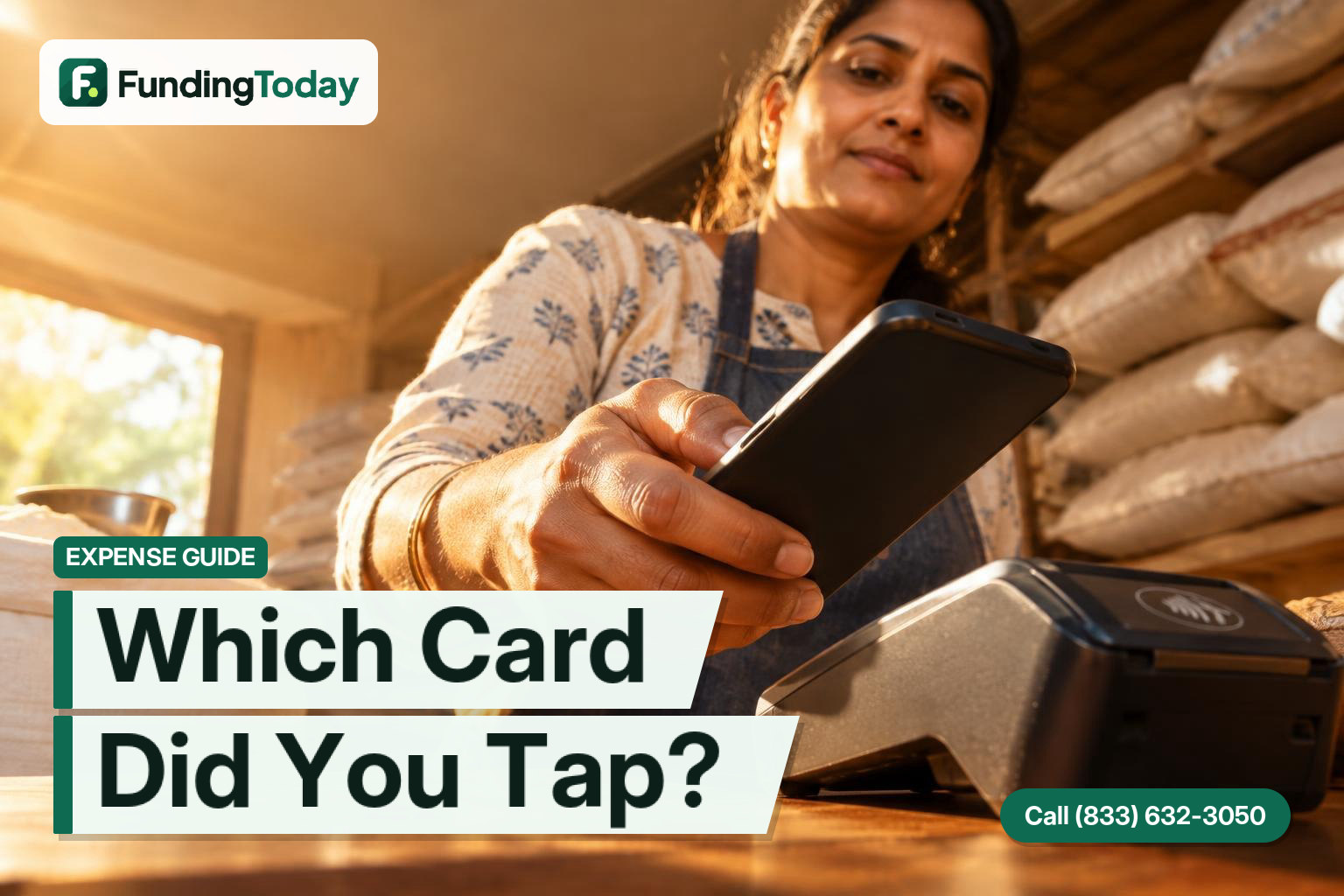
To manage business expenses with a digital wallet, choose the business payment method before you pay, save the receipt, record the business purpose and match the purchase to your books. Treat the wallet as a way to make the payment—not as a substitute for documenting or controlling the expense.
Start by checking what will actually fund the purchase. For a card-linked wallet, that means selecting the intended business card rather than a personal card. Apple Pay, for example, requires card provisioning and approval by the card issuer or its authorized service provider, as described in Apple’s security and privacy overview. Its setup and safeguards are Apple-specific; do not assume every wallet works the same way.
An app that holds money is a different arrangement from a wallet payment charged to a linked card. The CFPB’s payment-app guidance explains that stored balances do not automatically receive federal deposit insurance and that protection depends on the provider’s arrangements and applicable conditions. That consumer guidance does not establish whether a particular account is eligible for business use.
Before using a wallet for business purchases, decide which payment method belongs there and how each transaction will reach your records. After paying, keep the receipt and a short explanation of the business purpose, then match the charge when reconciling your books. The goal here is straightforward: pay business expenses conveniently while keeping a clear record of what you bought and why.
Keep personal purchases and employee spending separate
Use a business payment method in your wallet, and confirm that it is selected before each business purchase—especially if you use the same phone for personal shopping. The IRS recordkeeping guide recommends keeping business and personal checking accounts separate. Apply that separation to your wallet workflow rather than treating the wallet itself as a separate business account.
Before employees use a wallet for company purchases, put a simple spending policy in writing:
- Permitted purchases: Define which business expenses employees may pay for and which purchases are off-limits.
- Approval process: State who approves purchases and when employees must ask before spending.
- Receipt submission: Explain where to submit receipts and how to note the business purpose of each purchase.
- Transaction review: Assign someone to review charges, follow up on missing documentation and flag personal or unapproved spending.
Then check what your particular setup supports. Ask the wallet provider, card issuer or account provider about employee permissions, card limits, accounting connections and eligibility for business use. Confirm which controls apply to the card or account and which, if any, are available through the wallet. Do not assume adding a business card creates employee spending controls.
If the setup cannot support your policy, choose another business payment method for employee purchases. A clear approval and review process matters more than the convenience of paying by phone.
Save the receipt and explain the business purpose
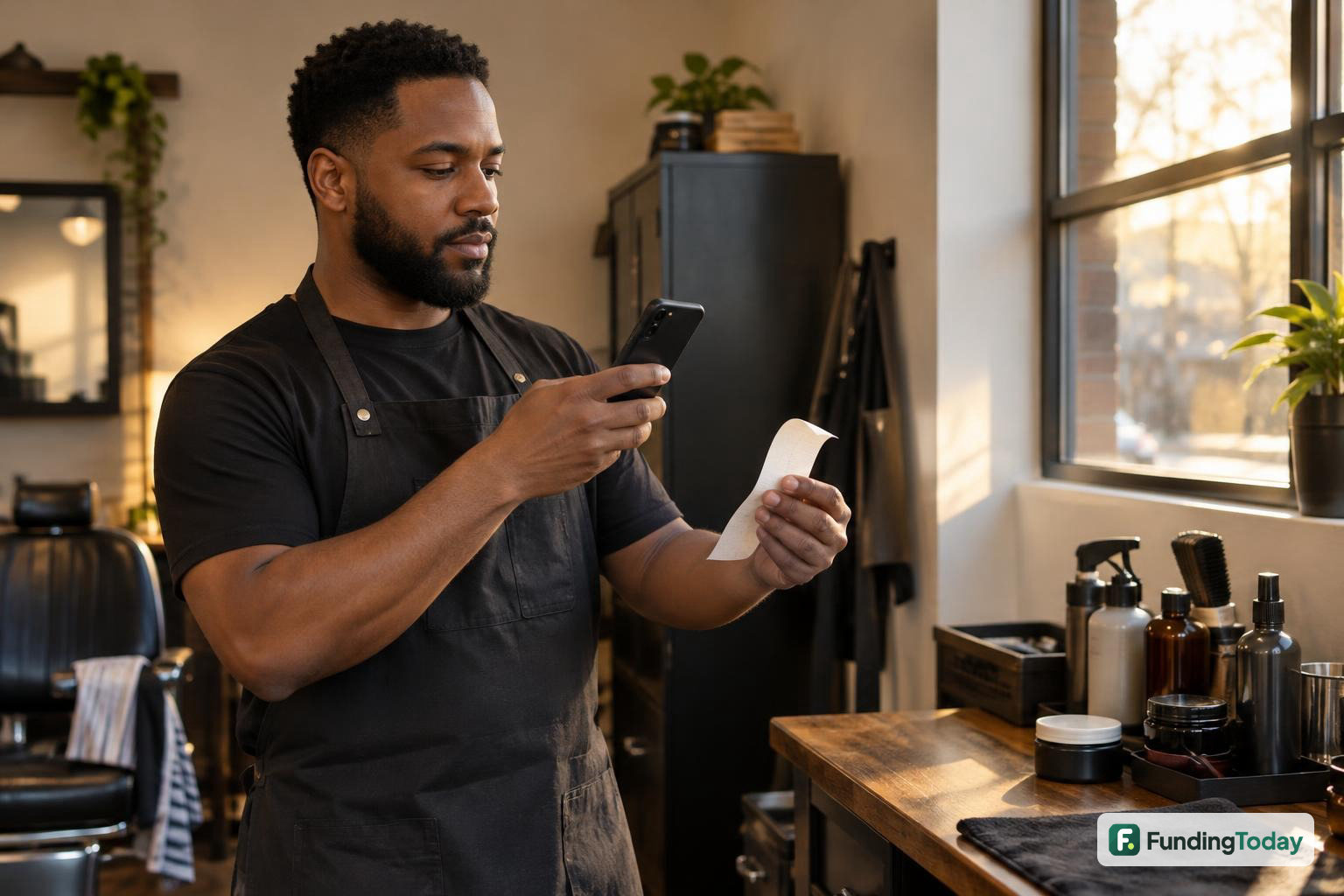
A wallet payment confirmation shows that money moved, but your expense record should also explain what you bought and how it relates to your business. The IRS explains supporting documentation, including invoices, receipts and payment records, and notes that proof of payment alone does not establish entitlement to a deduction.
When you pay through a digital wallet, attach the itemized receipt to the corresponding accounting entry and add a short business-purpose note. A useful recordkeeping routine is to:
- Save the purchase details: Keep the itemized receipt or invoice showing the seller, purchase date and items purchased—not just the wallet’s payment confirmation.
- Explain the purpose: Note how the purchase supports your business. Be specific enough that you or your bookkeeper can understand it later.
- Connect the records: Keep the receipt, purpose note and payment reference together with the matching accounting entry so they are easy to retrieve.
For a hypothetical example, suppose you use a business card through your phone’s wallet to buy packing tape and shipping boxes. Save the itemized store receipt, attach it to the supply-expense entry and add a note such as “Packing materials for customer orders.” Keep the payment confirmation as supporting evidence rather than treating it as a substitute for the receipt.
This workflow makes the expense easier to review. It does not mean every business purchase is deductible; the records need to support the tax treatment you claim.
Reconcile purchases without recording them twice
Use wallet activity to help check your books—not as a separate list of expenses to enter again. The IRS recommends reconciling the business checking account to identify errors and account for charges. For purchases made through a digital wallet, make the same check against the underlying business bank or card account.
Before adding an expense, match the receipt and posted account transaction to any existing bookkeeping entry. Check the merchant, date, amount and business purpose. If the purchase is already recorded, attach the receipt or update the existing entry rather than creating another expense. A purchase appearing in both your wallet activity and your card statement does not make it separate spending.
During each review, look for:
- Unmatched purchases: Find the supporting receipt and check whether an entry already exists before adding one.
- Refunds: Match each posted credit to the original purchase and update your records.
- Missing receipts: Request a copy and document the business purpose while it is still fresh.
- Unfamiliar charges: Check with authorized employees and investigate anything you cannot explain.
- Possible duplicate entries: Look for the same purchase entered manually and imported from an account feed.
This is a recommended bookkeeping workflow, not a claim that every wallet offers transaction exports or automatic reconciliation. An app’s activity view can help you investigate a purchase, but it does not replace a reconciled expense record with supporting documentation.
If you are preparing to seek capital, you can also review the records funders may ask to review as an optional next step.
Protect payment access and check stored-balance terms
A wallet’s payment security and the safety of money stored in an app are separate questions. Check both before using either for business expenses.
For example, Apple’s documented security features include device-specific payment credentials rather than storing your actual card number on the device, plus authentication for payments. These are Apple Pay features—not a promise about every wallet or provider. Review your own provider’s security settings and account-access controls.
Have a lost-device plan ready before you need it:
- Know how to suspend payments. Follow your provider’s instructions for disabling wallet access or suspending cards on a missing device. Apple provides lost-device safeguards, including options through Find My.
- Contact your card issuer. Report suspected unauthorized activity and ask what steps to take for the affected card.
- Review recent activity. Check for unfamiliar transactions so you can identify which charges need attention.
Keeping money inside a payment app raises a different issue. The CFPB warns that payment-app balances are not automatically federally insured. Coverage may depend on the provider’s arrangements and whether specific conditions are met. Paying through a linked card is not the same as holding an app balance.
Before leaving payroll, inventory or other operating money in an app, verify the specific account terms: whether business use is permitted, where funds are held, what insurance may apply and how withdrawals work. The CFPB guidance addresses consumer accounts; do not assume consumer eligibility, permissions or protections carry over to a business account.

If the books are clear but cash is still short
A digital wallet can help organize spending, but it cannot create working capital. Before seeking funding, review your available business cash, upcoming bills and expected deposits. Check whether a shortfall comes from timing—such as paying for inventory before customer payments arrive—or from expenses consistently exceeding revenue.
A wallet, a higher card limit or financing is not a cure for ongoing operating losses. If the gap keeps returning, review pricing, costs and payment collection before taking on another payment obligation.
If additional capital still makes sense, compare a merchant cash advance with a business loan to understand how their costs and repayment structures differ, rather than assuming either is the better fit.
For an MCA offer, Funding Today recommends reviewing the factor rate, total payback, fees, remittance amount and schedule, and approximate effective APR. Compare the required remittances with the cash you expect to have after essential bills. You can estimate MCA payback and payment size, but the calculator’s APR estimate depends on its assumptions and is not an offer. Use the actual offer terms when making your decision.
Funding Today is a broker, not a lender. Its service excludes California, and approval and terms depend on the funder. See your funding options with a no-cost application at funding-today.com or call (833) 632-3050.
Frequently asked questions
Does a digital wallet replace bookkeeping software?
No. Treat the wallet as a payment tool, not your accounting system. For example, Apple Pay uses device-specific payment credentials and authentication; those security features are not a substitute for keeping your books. Use a separate bookkeeping workflow to categorize purchases, attach supporting documents and match each purchase to its bank or card transaction without counting it twice.
Is a digital wallet payment record enough to support a business expense?
Not necessarily. The IRS explains that supporting documents should establish the amount paid and that the expense was for your business. Keep the receipt or invoice alongside the wallet payment record, and add a note explaining the business purpose when it is not obvious. Before filing the record, check that the documents together show what you bought, whom you paid and when.
How should I keep personal and business wallet purchases separate?
Start by linking a dedicated business payment method and checking the selected card before each purchase. Keep personal cards out of the business spending workflow where practical. For employees, set clear rules about permitted purchases, receipt submission and who reviews expenses. If someone accidentally uses the wrong card, flag the transaction promptly and ask your bookkeeper how to record the correction.
Are balances held in payment apps automatically federally insured?
No. A balance stored in a payment app is different from using an app to pay with a linked card. The CFPB cautions that federal deposit insurance is not automatic for payment-app balances; protection depends on the provider’s arrangements and applicable conditions. Review your provider’s terms, including business-account eligibility, rather than assuming this consumer guidance establishes coverage for your business funds.
What should I review before using an MCA to cover business expenses?
Review the factor rate, total payback, fees, remittance schedule and approximate APR—not just the amount offered. Compare the proposed withdrawals with your expected deposits and essential expenses. Funding Today is a broker, and terms depend on the funder. If financing still fits your cash-flow plan, you can see your funding options through its no-cost application; service is not available in California.
Sources
- Publication 583: Starting a Business and Keeping Records · Internal Revenue Service
- Apple Pay security and privacy overview · Apple
- Is the money I keep in my payment app safe? · Consumer Financial Protection Bureau · 2023-06-01
- Merchant Cash Advance Offers | Funding Today · Funding Today
This article is general information, not professional advice. Check the linked sources or speak with a qualified professional about your situation.